If your PC feels slow to start up or takes forever to open programs, storage is often the bottleneck — not the processor. Understanding the real difference between an SSD and an HDD makes this an easy decision.
The core difference
A hard disk drive (HDD) stores data on spinning magnetic platters read by a moving mechanical arm. A solid-state drive (SSD) has no moving parts and stores data in flash memory chips instead. That mechanical difference is why SSDs are dramatically faster, more durable against physical shock, and silent — while HDDs remain cheaper per gigabyte for large amounts of storage.
Where SSDs clearly win
- Boot time — an SSD-equipped PC typically starts in seconds rather than a minute or more.
- Application load times — especially noticeable in large programs and games.
- Durability — no moving parts means SSDs handle being bumped or moved far better.
- Noise and heat — SSDs run silently and generally cooler than spinning drives.
Where HDDs still make sense
For pure storage capacity, HDDs remain significantly cheaper per gigabyte. If you need to store large volumes of video footage, backups, or archival files where speed isn't the priority, a large HDD is still the more cost-effective choice than an equivalent-capacity SSD.
NVMe vs SATA SSDs
Not all SSDs are equally fast. SATA SSDs use the same connector and speed limit as older hard drives, capping performance well below what the drive itself is capable of. NVMe SSDs connect directly to the motherboard over a faster interface and can be several times quicker, which matters most for large file transfers and heavy multitasking rather than everyday browsing.
The practical answer: use both
Most modern PCs and workstations get the best of both worlds by pairing a smaller, fast SSD for the operating system and everyday applications with a larger HDD for bulk storage. This gives you the snappy day-to-day performance of an SSD without paying SSD prices for every gigabyte of storage you need.
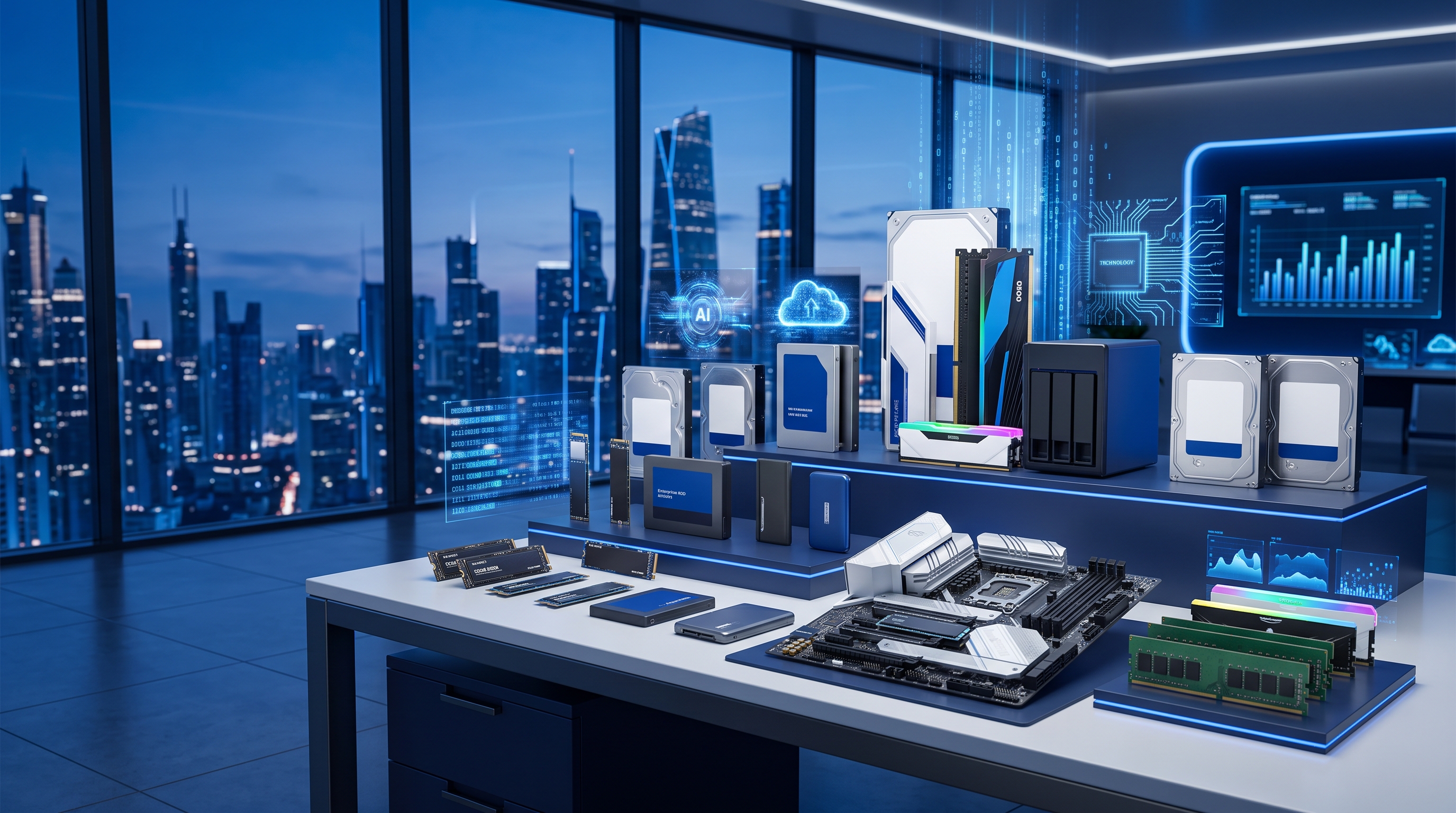
We stock NVMe and SATA SSDs alongside high-capacity hard drives from Samsung, WD, Seagate and Kingston. If you're upgrading an existing PC or specifying storage for a new build, browse our storage category for current options and pricing.