RAM is one of the easiest specs to over- or under-buy, because the right amount depends entirely on what you actually run day to day. Here's a realistic breakdown rather than a single blanket recommendation.
8GB — the bare minimum today
8GB is workable for basic browsing, documents and light multitasking, but it's an increasingly tight fit. Modern web browsers alone can consume several gigabytes across a handful of open tabs, and 8GB systems tend to noticeably slow down the moment you have several applications open at once.
16GB — the sensible baseline for most people
For the majority of home and office users, 16GB is the current sweet spot. It comfortably handles everyday multitasking, most modern games at their intended settings, and typical office and creative software without constantly running low.
32GB and above — for specific, heavier workloads
- Video editing and 3D rendering, where large project files stay loaded in memory.
- Running multiple virtual machines or containers for development work.
- Heavy multitasking across many large applications simultaneously.
- Some competitive gaming setups running background capture/streaming software alongside the game.
Does more RAM increase FPS in games?
Beyond a certain point, no — the graphics card and processor matter far more for frame rates than extra RAM. Going from 8GB to 16GB can meaningfully help if 8GB was causing the system to run out of memory during gameplay, but going from 16GB to 32GB rarely improves gaming performance on its own unless you're also running other demanding software at the same time.
DDR4 vs DDR5
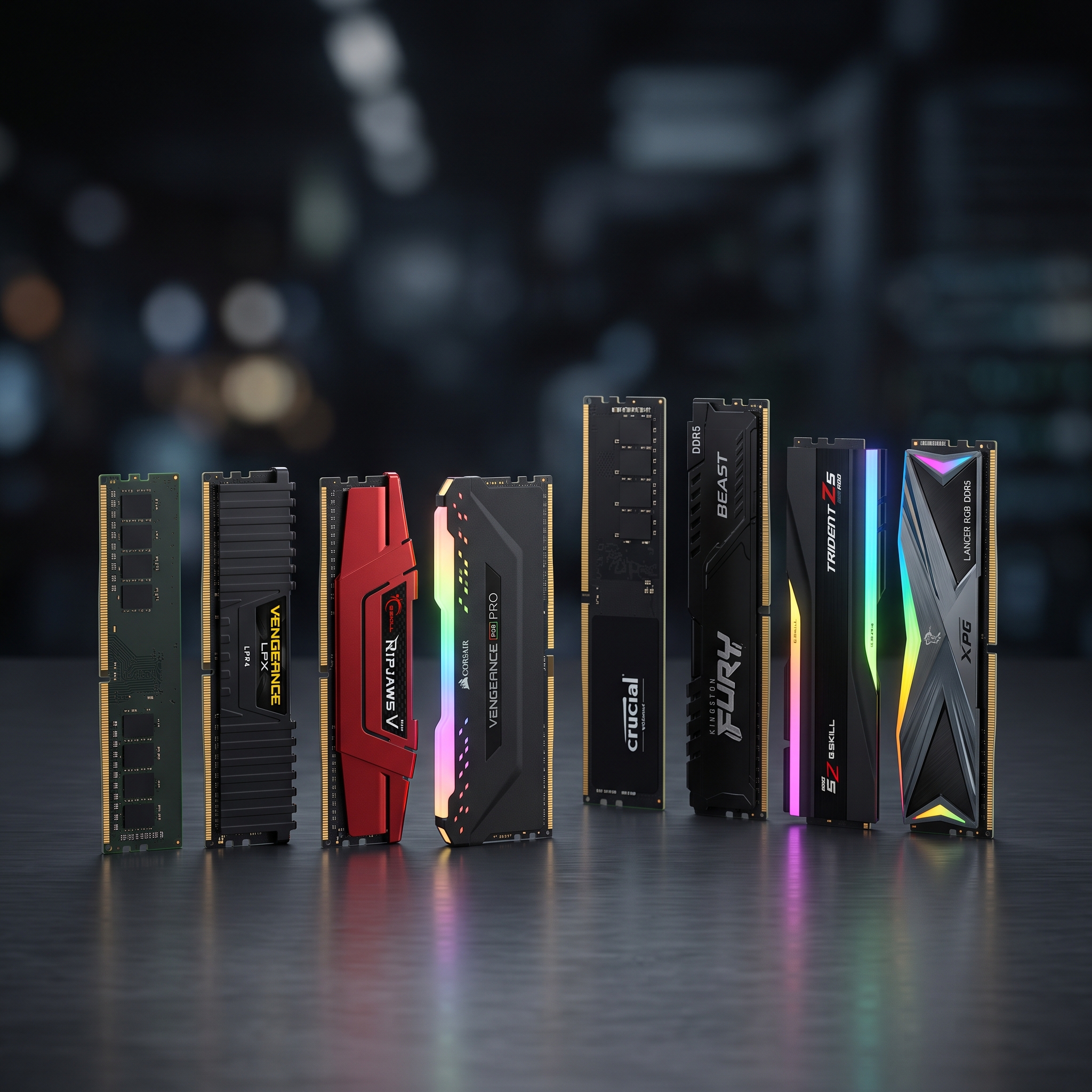
DDR5 is the newer standard and offers higher bandwidth than DDR4, but which one you need depends on your motherboard — the two are not interchangeable, and your existing platform usually decides this for you rather than it being an open choice.
Is 8GB RAM enough for a student laptop in 2026?
It's usable for basic coursework and browsing, but 16GB gives noticeably more comfortable multitasking and is worth the upgrade if the budget allows it.
Can I just add more RAM later instead of buying more now?
On many desktops and some laptops, yes — check whether your device has a free RAM slot before assuming you need to buy the maximum today.
We stock DDR4 and DDR5 memory kits from Corsair, Kingston and other major brands. Check our RAM category for current capacities and pricing, or get in touch if you're not sure which memory type is compatible with your existing system.