A poorly planned office network causes daily friction — dropped video calls, slow file transfers, Wi-Fi dead zones — long before it causes a dramatic outage. Here's a practical way to think about setting one up properly the first time.
Start with how many people and devices you're actually supporting
A 5-person office and a 50-person office need fundamentally different equipment, not just more of the same. Undersized equipment in a busy office leads to congestion and dropped connections during peak hours, even if your internet connection itself is fast.
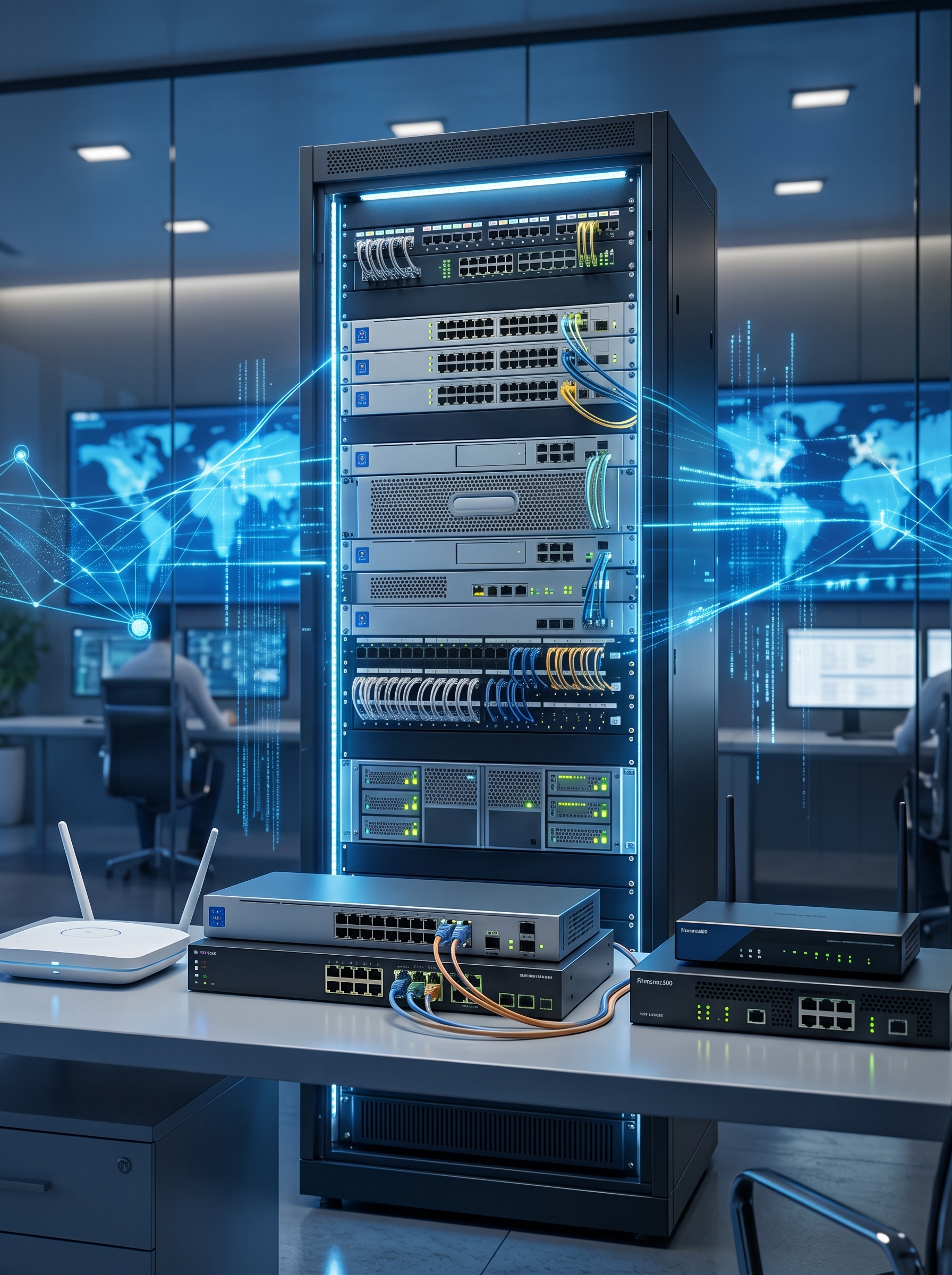
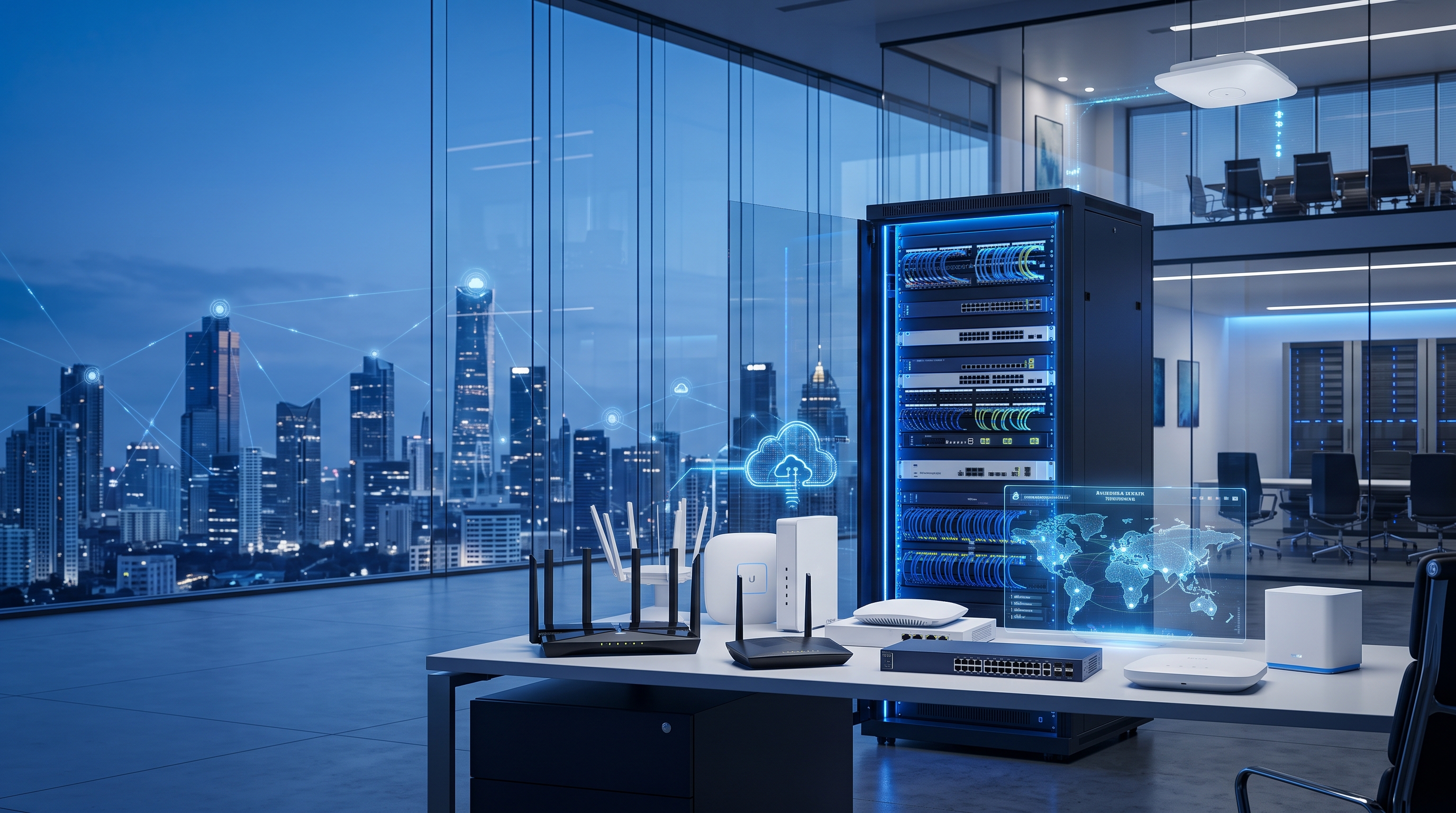
Router, switch and access points — what each one actually does
- A router connects your office to the internet and directs traffic between your network and the outside world.
- A switch expands the number of wired devices you can connect — desktops, printers, access points — beyond what the router alone supports.
- A wireless access point provides dedicated Wi-Fi coverage, and is a better choice than relying on a single router's built-in Wi-Fi once you have more than a small handful of users or a larger floor plan.
Plan Wi-Fi coverage, don't just hope for it
A single access point works for a small, open-plan office. Larger offices, multiple floors, or spaces with concrete walls usually need multiple access points placed deliberately, rather than one powerful router trying to cover the whole building. Dead zones are almost always a placement and coverage problem, not a speed problem.
Separate guest Wi-Fi from your internal network
Giving visitors and clients access to the same network as your internal file servers and business systems is an unnecessary risk. Most modern routers and access points support a separate guest network with no access to internal resources — it's a simple setting that meaningfully improves your security posture.
Basic security steps that matter most
- Change default admin passwords on every router, switch and access point.
- Keep firmware updated on your networking equipment, not just on employee laptops.
- Use WPA2/WPA3 encryption on your Wi-Fi, never an open network.
- Segment sensitive systems (like accounting or servers) onto their own network where practical.
When to bring in a professional installation
A simple single-router setup is reasonable to configure yourself. Once you're dealing with multiple access points, managed switches, or a network that needs to support security cameras and business-critical systems reliably, professional installation and configuration pays for itself in avoided downtime.
We supply networking equipment from Cisco, TP-Link, Ubiquiti and MikroTik, and our technical team provides on-site installation for businesses of any size. Browse our networking products, or if you're planning a larger office rollout, our business page has more on how we support corporate and enterprise procurement.